
Add a subcontractor
A subcontractor is another transport company you hand rides to. Once added, it shows up in your driver lists with the "ST - " prefix.
1. Identify the company
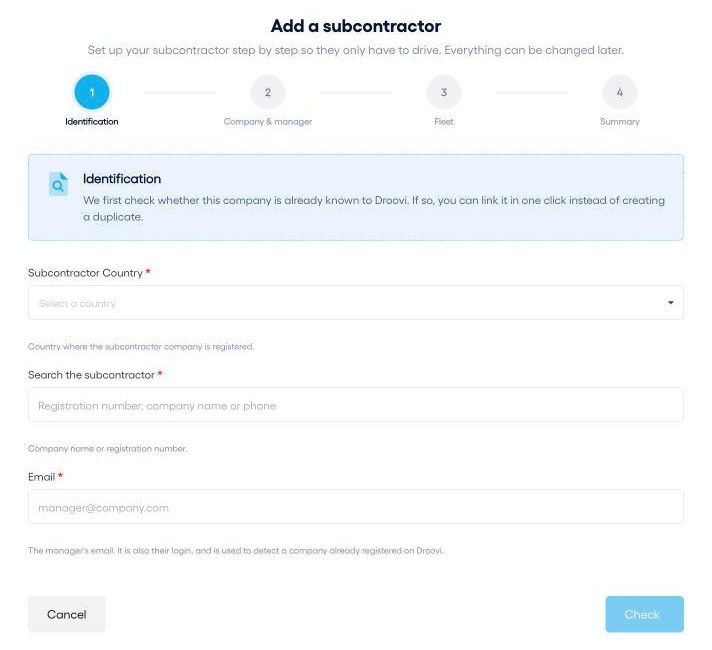
- Choose the subcontractor's country.
- In France, enter its SIREN number (9 digits). Elsewhere, enter its registration number, company name or phone number.
- Enter its manager's email, then click "Check".
2. Already on Droovi: it is linked automatically
If the SIREN (or registration number) or the email matches a company already registered, Droovi finds it. Confirm with "Yes, link it": the relationship is active straight away, with nothing to approve on their side. The company joins your subcontractors and you can hand it rides right away.
3. Not on Droovi yet: create their access
- Company & manager: name, address, registration number, then the manager's first name, last name, email and phone, and the airports they may serve among yours.
- Fleet (optional): vehicle types and a first vehicle. You can skip this step.
- Summary: check everything and click "Create subcontractor".
They immediately get a WhatsApp message with their login, a temporary password and the link to download the app. Their account is on the Free plan: they use Droovi for free to handle the rides you hand them.
4. From the mobile app
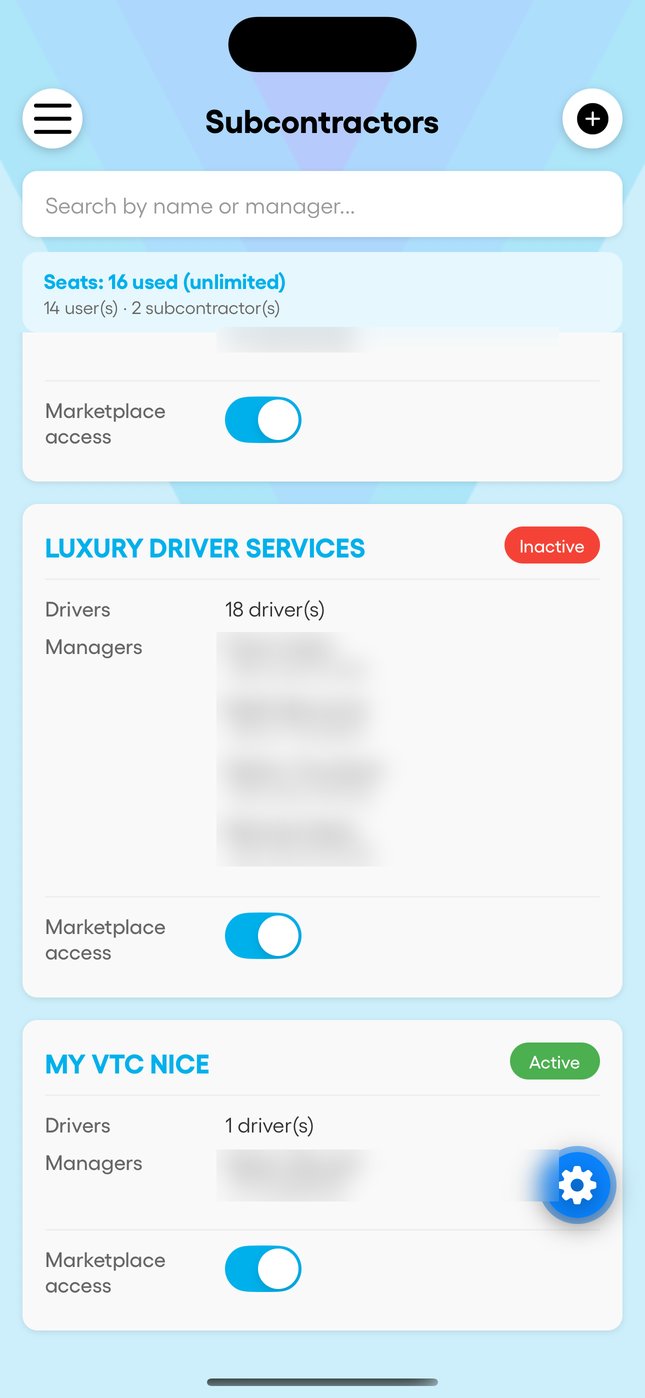
- Open "Subcontractors" and tap +.
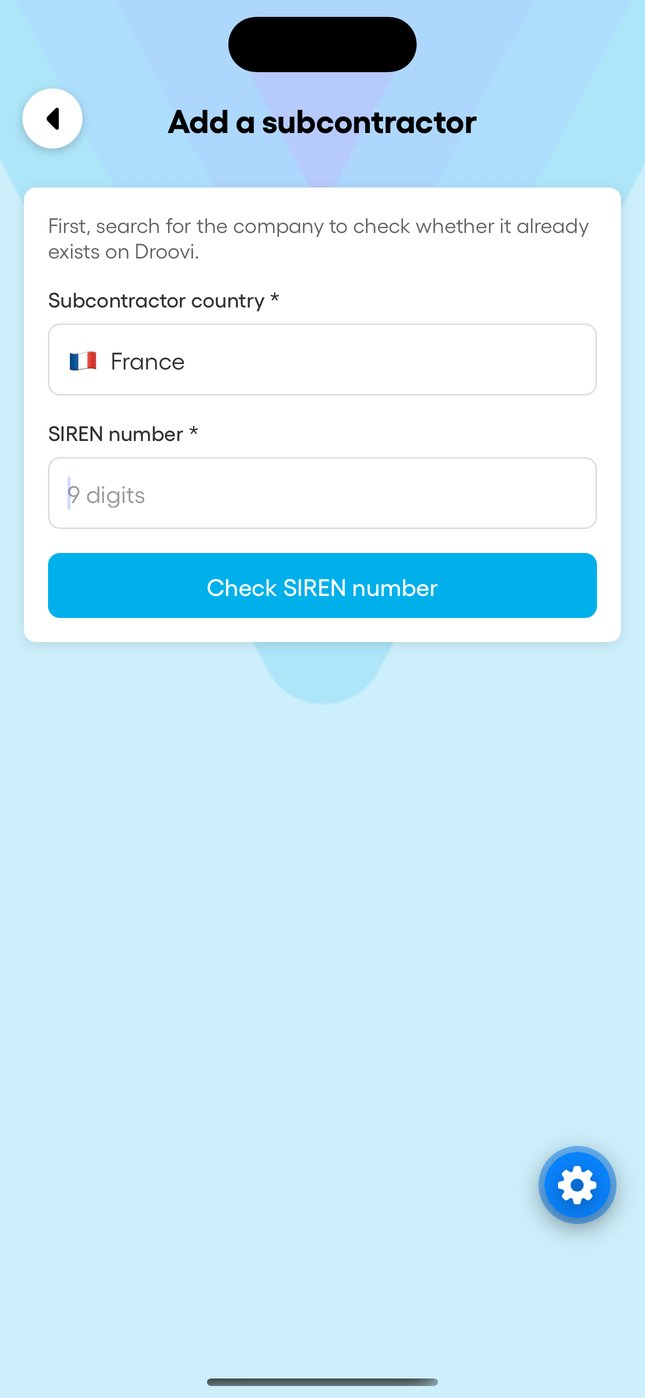
- Choose the country and enter the SIREN or registration number: if the company exists, it is linked.
- Otherwise, fill in the form: company, manager and airports.
How many seats?
Each active subcontractor uses one seat of your subscription, however many drivers it has. The only exception: a subcontractor with its own paid Droovi subscription does not count. The "Seats" counter at the top of the subcontractors list shows where you stand. Deactivating a subcontractor frees its seat.