
Install and sign in
Droovi Driver is the app for your drivers, managers and dispatchers. It is free on iPhone and Android.
1. Download the app
2. Sign in
- Pick the app language at the top of the screen.
- Sign in "By Phone" (country code then number) or "By Email".
- Enter your password, then tap "Login". "Remember my login ID" saves you typing it again.
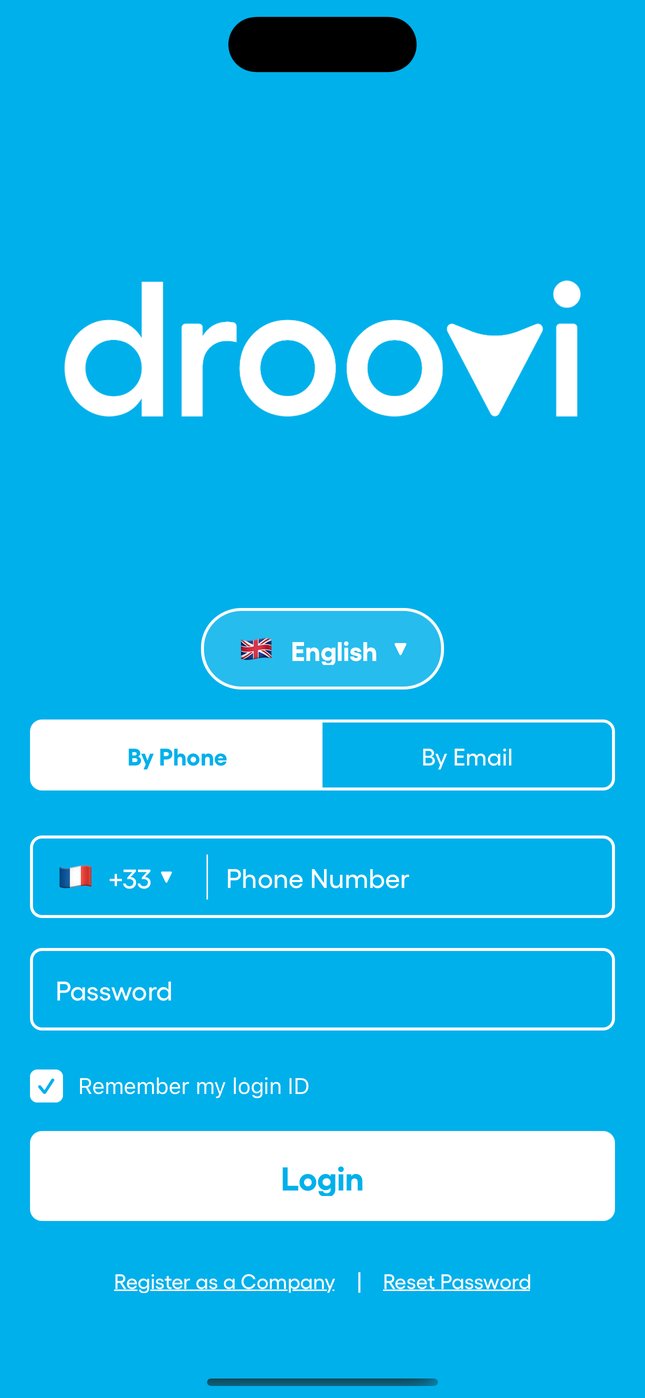
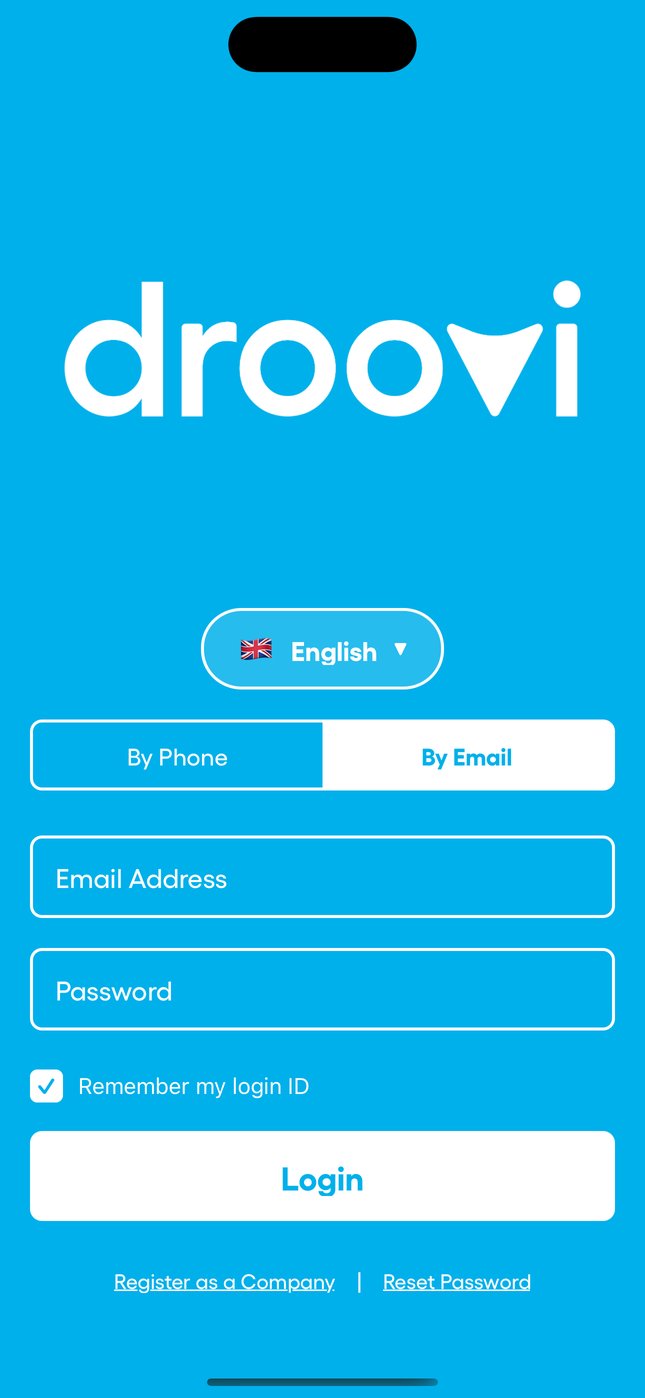
Your login details arrive on WhatsApp when your company creates your account. Forgot your password? Tap "Reset Password". No company account yet? "Register as a Company".
3. Once signed in
- Pick today's vehicle from the list, or change it at any time in the same place.
- Switch "Online" with the toggle to show you are available, and "Offline" at the end of your shift. You must pick a vehicle to go online.
- The home screen then shows your next ride and today's schedule.
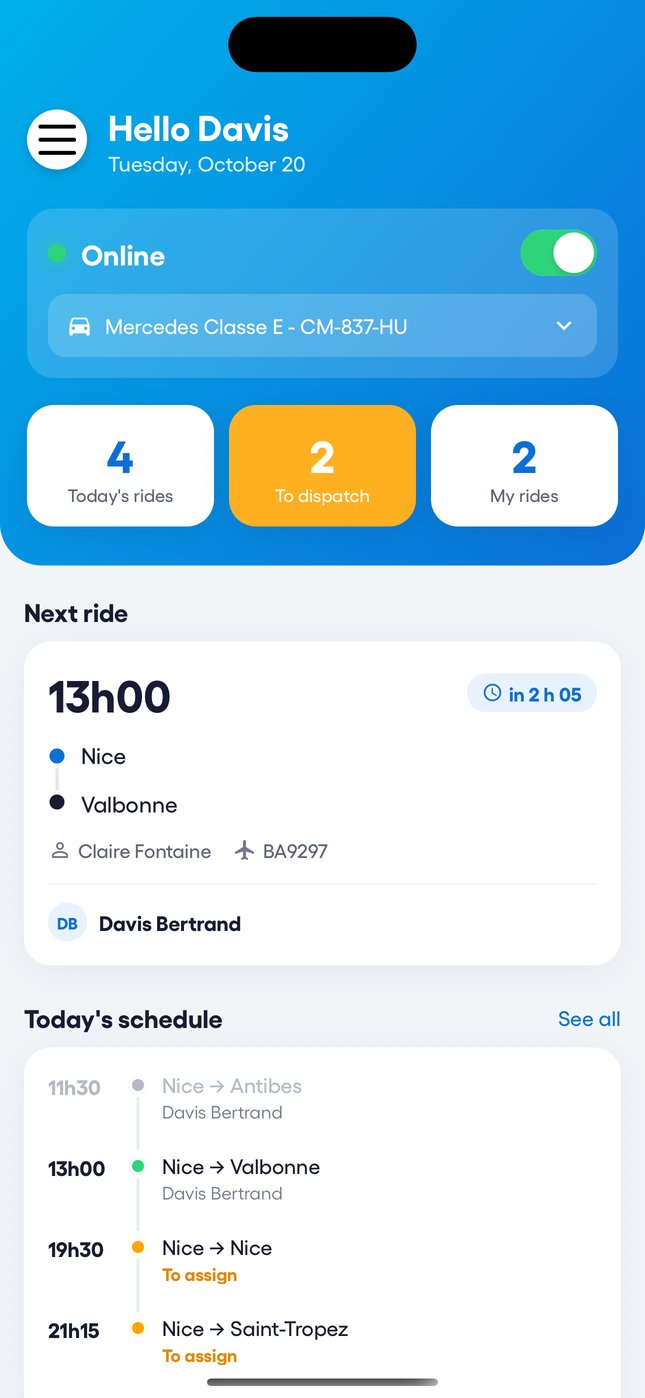
Your online status and vehicle are visible to your dispatch, so they know who is available and with which car.
Learn more The Droovi Driver app Was this article helpful?